Contents:
What is rendering?
Rendering is the technical term used to describe the automated process where the computer will generate a 2D image or interactive experience (e.g. in gaming) by calculating how lighting, materials and 3D objects which have been assembled in a scene, interact with each other. It is the last major step in the 3D content creation process.
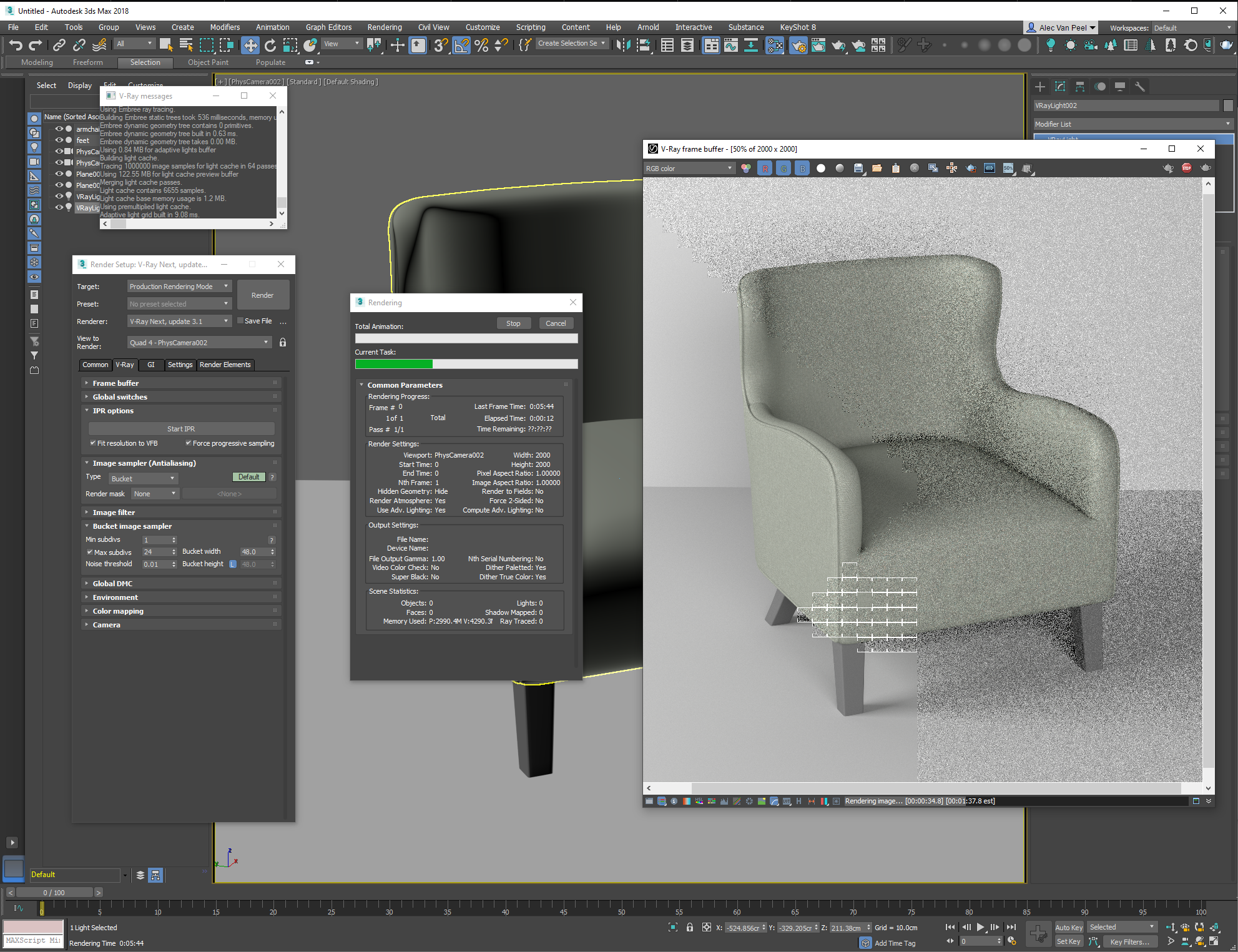 Example of rendering in process showing how the image is being processed piece by piece.
In this article we'll mainly discuss "ray-trace rendering". Rendering happens in the same way that we observe the world - we see our surroundings because light is reflected off of objects, hits our eye, and is translated by our brain into recognisable things and people.
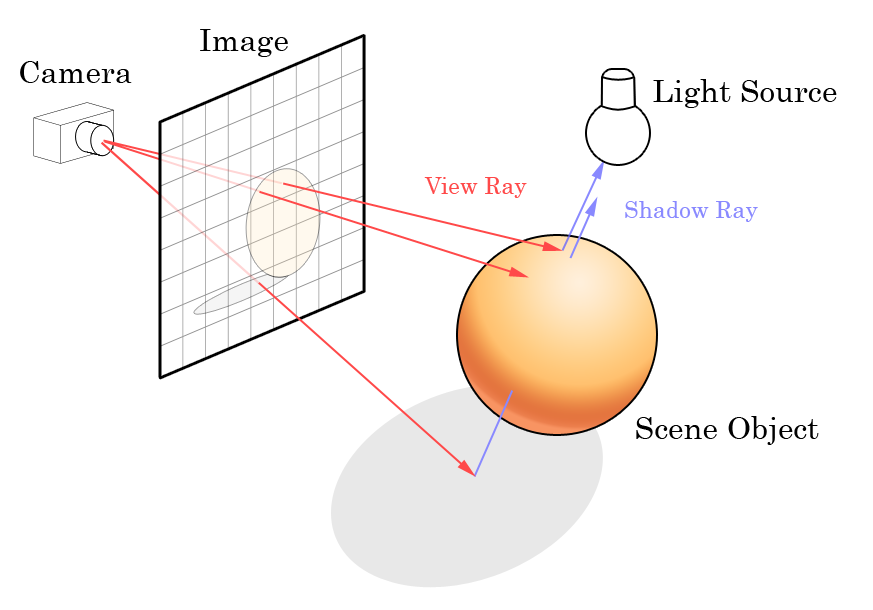
Illustration depicting how light rays are reflected onto the canvas of the image via what the camera can "see".
In computer rendering, the computer calculates how a ray of light is shot from the digital lamp, bounces off of the 3D objects in the scene, interacts with the various materials applied to the objects, and finally hits the lens of the digital camera. Each ray of light is then stored as a pixel that is part of the final complete image.
This process is repeated millions of times during rendering until the desired image size has been "rendered out". This results in a 2D image known as "a render".
Render size/resolution
This refers to the size of the image in terms of "picture elements" or "pixels". Every screen contains a certain number of pixels. For example, a Full HD screen is made up of 1920 pixels horizontally and 1080 pixels vertically, so the resolution is 1920x1080.
To note, render resolution is often used to define render size. In print however, resolution refers to the density of the ink dots per ink colour.
Render styles
Rendering can, but does not necessarily have to be, photo-realistic. Images can also be rendered in a certain style, for example to achieve a cartoon look.
Example of a stylized, non-photo-realistic render for artistic effect.
Render time
This is the time it takes the computer to fully render out the image. Render time depends on the following aspects which can be individually set:
- Image size: a larger amount of pixels require more time to render.
- Render quality: most render software offer the choice to set a final quality goal for the image. Fast but less refined renders are often used to test the scene in terms of materials and composition before doing the final render at high quality.
- Materials: the presence of certain materials in a scene can significantly increase rendering time. Glass for example takes a long time as the software has to calculate how the glass reflects other objects in the scene, as well as the distortion of objects behind the glass.
- Scene complexity: a large number of highly detailed objects in a scene will increase the number of calculations to be done and in turn increase rendering time.
Render farm
This is a network of computers that are linked together to process a rendering task. It is the most common way to increase computing power and get a task done faster. An individual computer in a render farm is called a render node. Render farms can consist of any number and type of computers, from two laptops working together on a product render to a room full of dedicated render servers churning out a complete animation movie.